When you constantly have to deal with email spam, it may be a huge time waster. Wading through a packed inbox, especially when it’s all junk, is tiresome.
However, do not consider this to be an unavoidable issue. Reducing spam and organizing your inbox can be accomplished in a number of ways. Take a look at these ten spam reduction methods to spare yourself some trouble!
1. Make use of the Junk E-Mail Tool
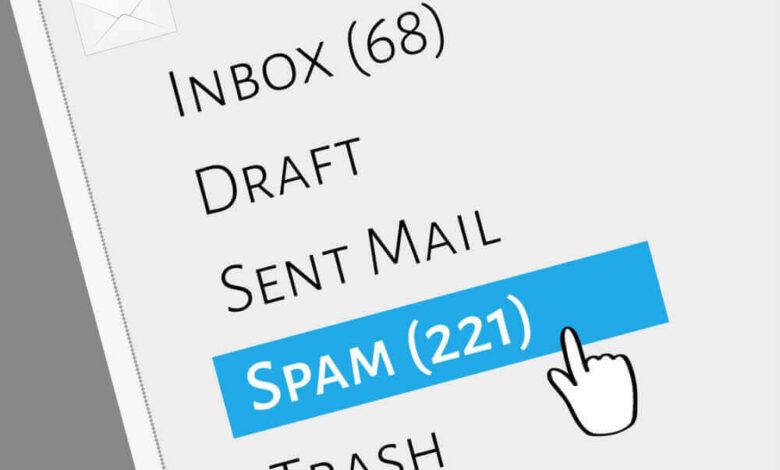
The majority of email systems come with a junk mail filter that automatically checks incoming correspondence for possible spam. The email won’t appear in your regular email box and will be placed in the garbage folder if it is deemed to be junk.
Although the filter is often fairly accurate, occasionally it may overlook something or unintentionally classify a non-spam email as junk.
Don’t open the spam if you don’t have a junk mail filter. Just remove it. Tiny pixels are used by many senders to monitor opened emails. You might receive more spam in the future if you open and view it.
2. Use Caution When Distributing Email Addresses
Don’t divulge your email address unless it is absolutely required. Posting your email address on public websites, bulletin boards, or other locations where anyone can easily see it should be done with caution.
Treat your e-mail address as private information. Remember that you are more likely to receive spam each time you post your email address.
3. Make Use of a Throwaway Email
Sometimes, purchasing a product or attending an event requires an email address. Use a throwaway email if you don’t want to receive correspondence from them in the future.
Email addresses that you don’t regularly use for business or personal purposes are known as throwaway addresses. It turns into your “junk” email, which you rarely need to check. Additionally, if you notice that it is getting overwhelmed, you can create more than one.
4. Make Use of a Third-Party Spam Filter
Because they can save you a ton of time, anti-spam filters are fantastic. Only emails that pass the spam test will be sent to you via third-party anti-spam filters, which can filter incoming emails before you receive them.
The good news is that anti-spam filters are already included in many security systems.
Additionally, you should use this inbox spam testing service if you’re unsure of the amount of spam in your inbox.
5. Examine websites’ privacy policies
This is an important but sometimes disregarded method of preventing spam. You should read a website’s privacy rules before providing an email address.
You should focus on the “terms and conditions,” “privacy statement,” and “terms of use” sections. Check to check how the website uses personal information and whether it exchanges email addresses.
6. Develop Your Spam Filter
It’s really simple to train your spam folder; all you need to do is be consistent. Before deleting any spam that you discover in your inbox, let your mail client know that it is spam.
Many email systems offer “report spam” buttons or equivalent features. These communications will eventually be identified by your spam filter, which will then automatically flag them as spam.
To avoid false positives, you can alternatively perform this in a different method. Periodically check your spam or junk mail folder and report any emails that aren’t spam. Your filter will get more accurate as a result of this training.
7. Take Note of Boxes That Have Already Been Checked
Every time you make an online purchase, pay attention to the boxes that have already been checked. Companies try to trick you into subscribing to newsletters and future emails by using this cunning tactic.
Occasionally, these boxes also show that you are allowing third parties to share or sell your email address. Make sure you never check those boxes.
8. Avoid Purchasing Items From Spammers
Never, ever purchase anything from a spammer. It puts you at danger for malware and encourages them to send you more spam.
Because making purchases online necessitates entering personal information, you run the risk of compromising your security and infecting your computer with viruses.
9. Avoid Responding to Spam
You should never respond to spam unless you know and trust the sender. It just verifies that your email address is active and is not useful. You will probably only get more spam from that sender even if you respond to unsubscribe.
Additionally, you should never download a file or click on a link from an email that you believe to be spam. This increases your vulnerability to viruses and malware.
10. Modify Your Email Address
Changing your email address is the final method to cut down on spam. This should only be taken into consideration if the spam has gotten out of control. This might be your best option if you’ve shared your email address a lot and have responded to spam in the past.
It’s regarded as a last resort after you’ve exhausted all other options because it’s not a practical answer. This is the best strategy to cut down on spam, but you will need to let all of your contacts know about the change.
You Now Know How to Cut Down on Spam
Even though it’s hard to eliminate spam, you can significantly lessen its quantity by following these ten suggestions. Keeping your inbox organized for valid connections and emails, and saving time, are two benefits of controlling spam.
It is a complete waste of time to spend hours sorting through spam, and you should not tolerate it. Start cutting back on your spam right now by implementing any of these suggestions!
Check out some of the other fantastic posts if you’re interested in more than just cutting down on spam! We cover a wide range of interesting subjects, such as technology, marketing, and advertising.