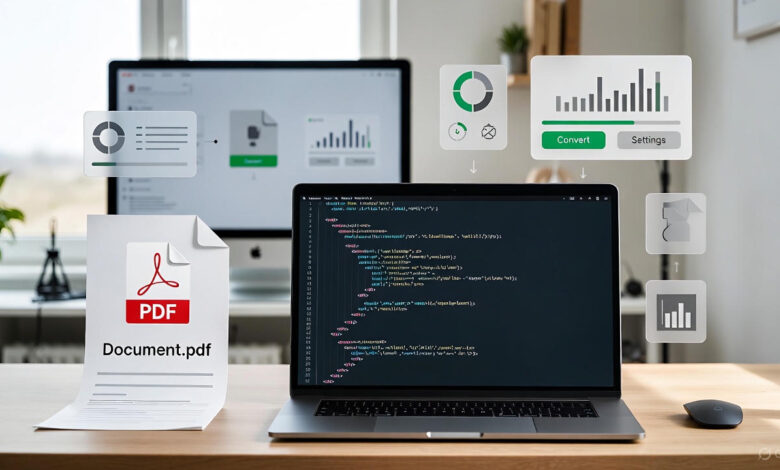
Converting XML to PDF has become a common requirement for developers, businesses, and content creators in 2025. Whether you’re dealing with invoices, reports, e-books, product catalogues, or structured data exports, transforming XML files into professional, printable PDFs is essential for sharing and archiving.
This ultimate guide covers every proven method to convert XML to PDF quickly and efficiently, even with zero coding skills.
Why You Should Convert XML to PDF Files
XML (Extensible Markup Language) excels at storing structured data, but it’s not user-friendly for clients or stakeholders. Here’s why XML to PDF conversion is crucial:
- Professional presentation with consistent formatting
- Universal compatibility across all devices and operating systems
- Print-ready documents with perfect layout control
- Password protection and digital signatures
- SEO-friendly and searchable text content
- Compliance with industry standards (ISO, e-invoicing, archiving)
Method 1: Best Online XML to PDF Converters (Instant & Free)
Need to convert XML to PDF online instantly? These tools require no installation.
Top 5 Free XML to PDF Converters in 2025
- Convertio – Supports XSLT stylesheets
- Zamzar – Batch XML to PDF conversion
- CloudConvert – Advanced formatting options
- Online-Convert – Custom page size and margins
- iLovePDF – Template-based conversion
RECOMMENDED: Haptic Feedback Clothing for Hyper-Realistic Gaming Immersion
How to Convert XML to PDF Online (Step-by-Step)
- Visit a trusted XML to PDF converter
- Upload your XML file (drag & drop supported)
- Upload associated XSLT/XSL-FO stylesheet (critical for proper formatting)
- Adjust PDF settings (orientation, margins, font embedding)
- Click “Convert to PDF”
- Download your perfectly formatted PDF
Best for: Quick conversions, one-time use, mobile devices
Method 2: Professional Desktop Tools for XML to PDF Conversion
For frequent conversions or sensitive data, offline software is the gold standard.
Best Software to Convert XML to PDF
- Adobe Acrobat Pro DC – Industry-leading accuracy
- Oxygen XML Editor – Native XSLT transformation
- Altova StyleVision – Visual stylesheet designer
- RenderX XEP – Enterprise-grade rendering
- Antenna House Formatter – Advanced CSS/Paged Media support
Convert XML to PDF Using Adobe Acrobat (2025 Method)
- Open Adobe Acrobat Pro
- Go to Tools → Create PDF → Single File
- Select your XML data file
- Acrobat automatically applies linked XSL stylesheets
- Fine-tune layout, headers, footers, and watermarks
- Export as high-quality PDF/A for archiving
RECOMMENDED: 10 Tips for Accessing the Internet and Safe Web Browsing
Method 3: Free Command Line XML to PDF Conversion
Perfect for automation and server-side processing.
Apache FOP – Best Free XML to PDF Tool
PrinceXML – Premium Quality (Worth Every Penny)
Supports CSS3 Paged Media, perfect headers/footers, and running elements.
Method 4: Programmatic XML to PDF Conversion (Developer Guide)
Python XML to PDF (Top Libraries 2025)
Other Languages
- Java: Apache FOP, Flying Saucer, iText7
- Node.js: Puppeteer, pdf-puppeteer
- C#: QuestPDF, SelectPdf
- PHP: Dompdf, TCPDF, mPDF
Advanced Tips for Perfect XML to PDF Results
- Always pair XML with XSLT/CSS for stunning layouts
- Use XSL-FO for complex documents (multi-column, footnotes)
- Embed fonts to prevent “missing font” issues
- Validate XML structure before conversion
- Implement Factur-X / ZUGFeRD for electronic invoices
- Add metadata (title, author, keywords) for better SEO
- Optimise PDF size while maintaining quality
XML to PDF Conversion for Specific Use Cases
- XML invoice to PDF (e-invoicing compliance)
- XML reports to PDF (business intelligence)
- XML documentation to PDF (technical manuals)
- XML catalogues to PDF (e-commerce)
- XML forms to PDF (government & legal)
RECOMMENDED: 10 OBS Studio Tricks Every Streamer Must Know
Conclusion: Start Converting XML to PDF Today
Whether you need to convert a single XML file to PDF or automate thousands daily, there’s a perfect solution in 2025.
For occasional use: Try Convertio or Zamzar.
For professional results: Invest in Adobe Acrobat or Oxygen XML Editor.
For developers: Implement WeasyPrint or Apache FOP in your workflow
Stop sending raw XML files to clients. Convert XML to PDF professionally and make your documents look as good as your data.
Start your XML to PDF conversion journey now. Your perfectly formatted documents are just minutes away!